

Salesframe video tutorials
Learn how to get started with using Salesframe. These quick 1-minute tutorials go over all the essentials.
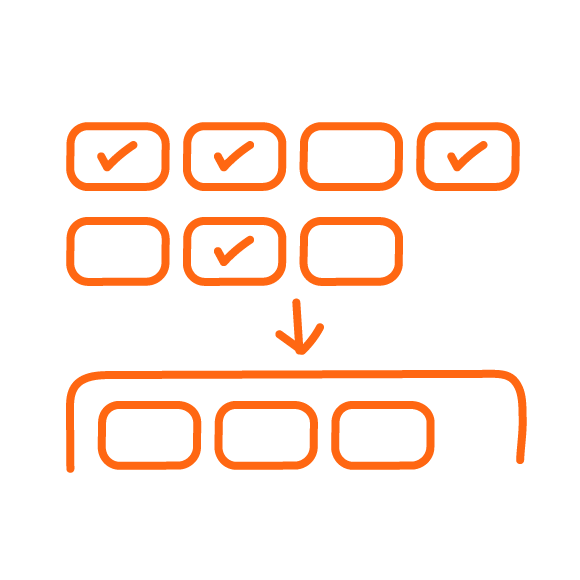
Finding content and building a presentation
Learn how to find the right slides and files in Library, then build a presentation deck using both admin content and your own material.

Saving, presenting and sharing presentations
See how to save your deck, present it in fullscreen and share it as a tracked link or through your own email and messaging channels.

Managing presentations and tracking customer activity
Use My presentations to manage saved decks, control shared links and see who opened your material, when they opened it and for how long.

Using My Files for your own content
See how to use My Files to store your own content, organise it into folders and share selected material with colleagues.