Integrate Salesframe into your sales stack
Connect Salesframe to your CRM and content systems so meetings, materials and analytics show up in the tools you already use.
Connect with your CRM
-
Works with your CRM
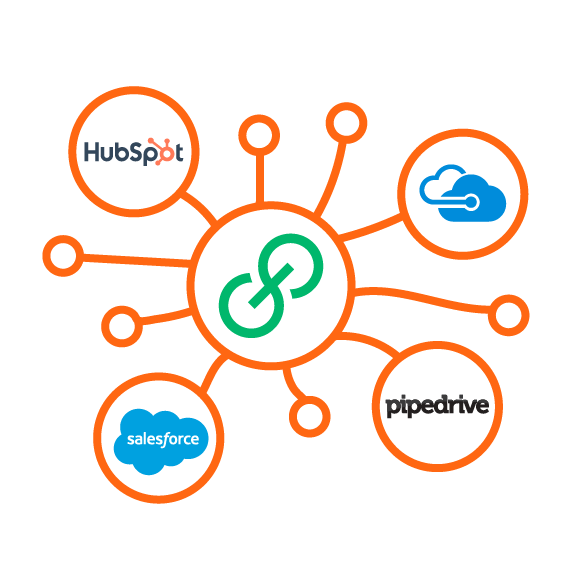
Salesframe connects to CRMs like Salesforce, Microsoft Dynamics, HubSpot, Pipedrive and others.
We are not here to replace your CRM, we feed it with real meeting and content data so your existing reports and processes get better.
-

Log what happened
Salesframe sends key meeting activity straight into your CRM, without extra typing for reps.
You see what was presented and what was agreed, not just a short note added at the end of a long day.
-
Know which content moves deals
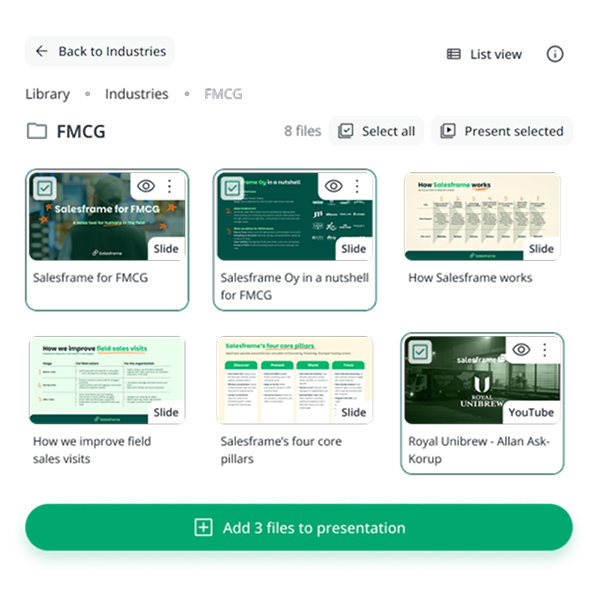
Salesframe shows which materials get used in meetings.
Marketing and sales leaders finally see which content supports revenue, inside the CRM reports they already use.
-

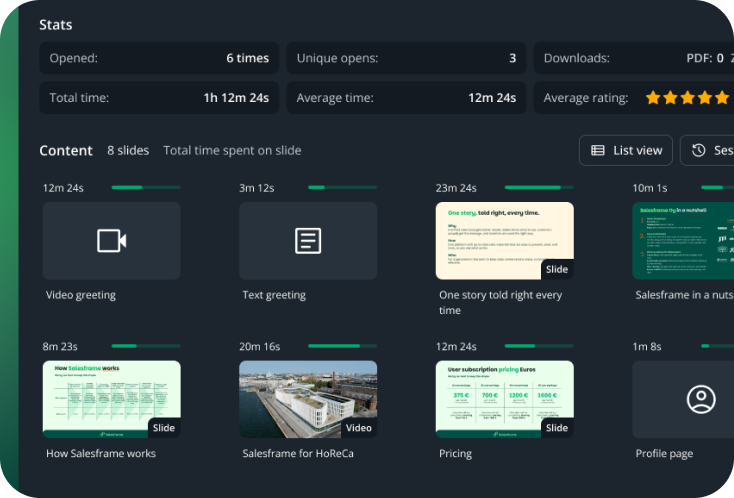
See what customers actually open
Salesframe logs in your CRM what was sent to each customer and what they opened.
You can score and prioritise cases based on real engagement instead of just gut feeling.
Works with your CRM
Salesforce, Microsoft Dynamics, HubSpot, Pipedrive and many more
Turn your SharePoint, PIM and DAM into a sales ready library
You already have a lot of good content in SharePoint, PIM (Product Information Management) and DAM (Digital Asset Management), sellers just struggle to find and use it in real meetings. Salesframe sits on top of those systems and turns them into a simple library for sales:
-
Keep storing files where they live today. Salesframe shows only the folders and documents you choose, keeps your existing permissions and makes that content easy to browse, search and present in front of customers.
Sellers see a clean structure instead of a maze of team sites and file paths.
-
Salesframe can pull product sheets, images and other assets straight from your PIM and DAM so they appear in the library as they are. No re-uploading, no exporting and importing. Content teams keep working where they work, sellers finally see the files in one place.
-
Salesframe can take fields from your PIM and assets from your DAM and drop them into a predefined canvas so a ready slide is generated, for example a product card with image, SKU, price and key attributes. You update the data once in PIM and the generated slides stay in sync across markets without manual layout work.

Other integrations and connections
Not every integration needs to be BIG to have an impact, some just make everyday access and collaboration smoother.
-
Connect Salesframe to your company directory so people log in with the same account they use everywhere else. Single sign on handles authentication, and automatic provisioning adds and removes users based on your directory, so new hires get access and leavers are turned off without manual updates. IT keeps control in one place, sellers just sign in and get to work.
-
Salesframe can send events like “link opened” or “content uploaded” straight into Slack. For example, you can post to a channel when a key account opens an offer, so the right people see it in the same place they already talk to each other, without checking another system.
-
If your organisation lives in Microsoft Teams, the same signals can land there as well. Activity from Salesframe shows up in a chosen team or channel, so sales and account people notice customer activity while they work, not at the end of the day.
-
If you already use chat or bot tools like Drift, Leadoo or Pipedrive’s chatbot, you can bring them onto the pages you send from Salesframe. Customers can ask questions, book meetings or run through simple flows directly from the content you shared, using the same setups you already run on your website.

Build your own connections
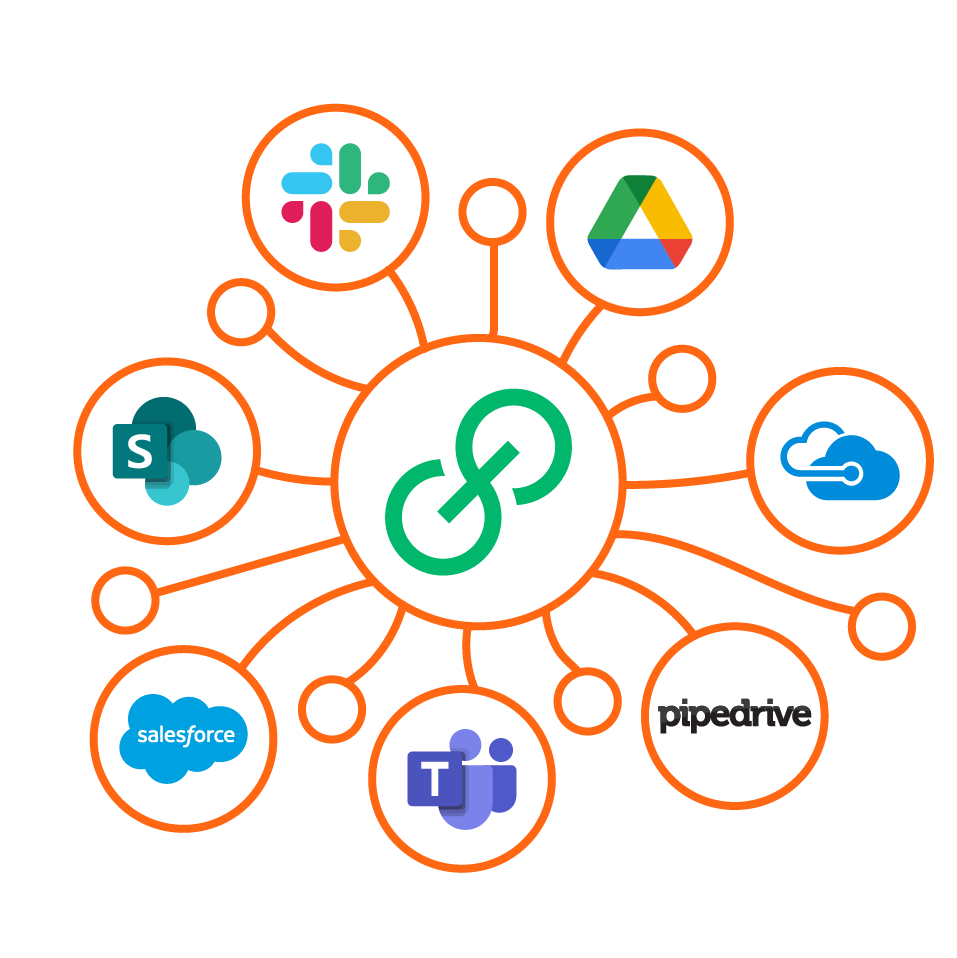
Need something special, or want Salesframe to talk to an in house system? Our APIs and webhooks let you connect Salesframe to the rest of your stack, from data warehouses and reporting tools to customer portals and internal apps.
You can push meeting and content data out of Salesframe for deeper analysis, or pull in information from your own systems to enrich what reps see in the app. We are happy to work with your IT team or integration partner so the connection is secure, documented and easy to maintain.
Want to explore how Salesframe fits with your tech stack?