
What Is Salesframe Scout Used For?
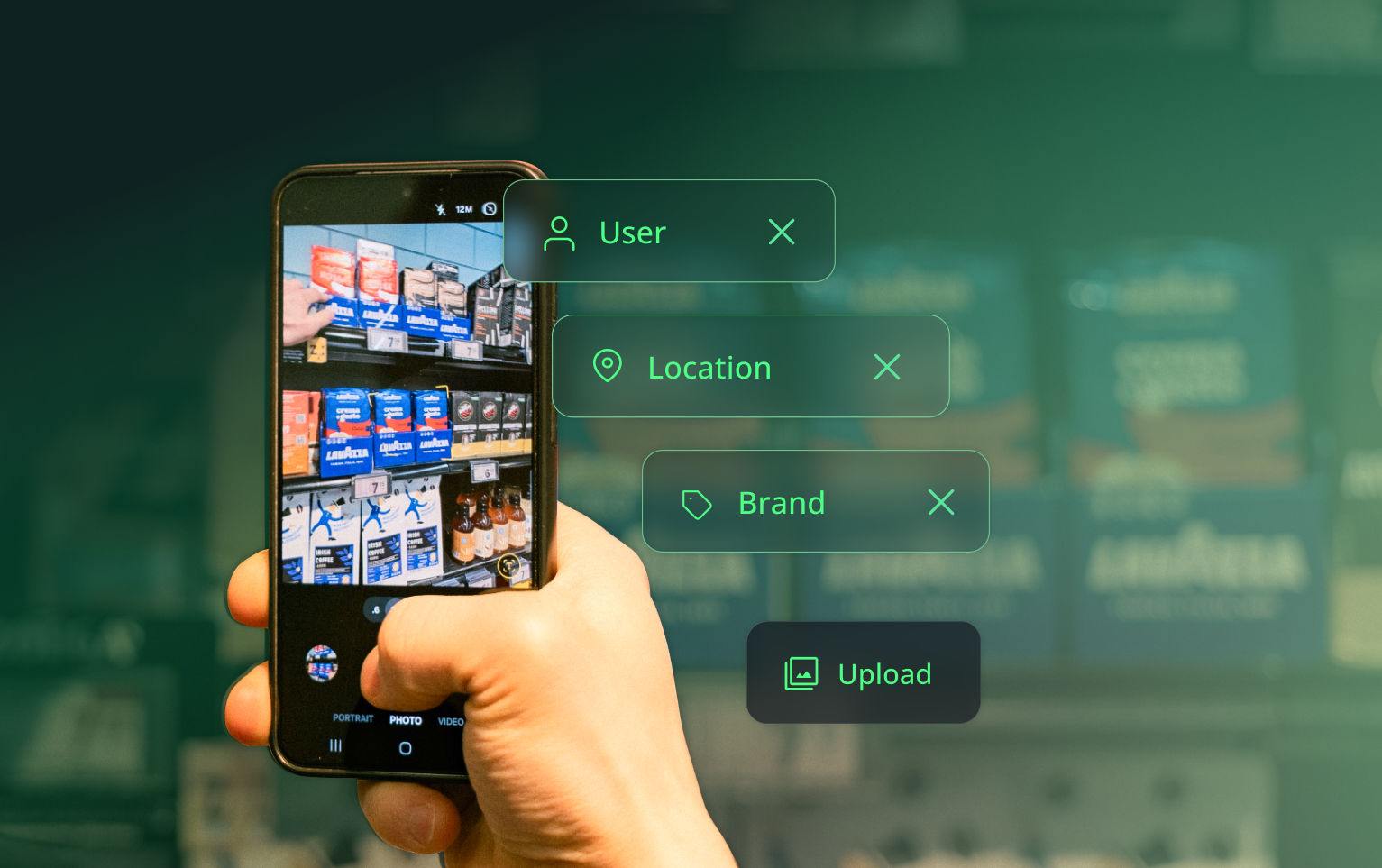
Scout is a in-store photo capture app and collaboration module that works with the the Salesframe application. Reps photograph what they see in the field, tag it by location, chain, campaign, or product, and the whole team can see it in a shared feed.
That sounds simple. The reason it matters is that most FMCG field teams are running blind between visit reports. A rep does 15 location visits on a Tuesday. The manager finds out what actually was up there at the end of the week (or month), if at all. Scout helps prevent that delay in field reporting.
These are multiple use cases where field sales teams are putting Scout to work.
Shelf execution monitoring
The problem:
Your reps visit hundreds of outlets a week. You have no reliable way to know what the shelf actually looks like unless someone remembers to send you a photo.
Scout gives every store visit a tagged, searchable record. Location, chain, date, product category. The whole team can see it. A manager in Helsinki can filter for a specific retail chain in Tampere and see what the shelf looked like yesterday.
This is not a new idea. It is just one that most teams solve with WhatsApp groups, which means the photos disappear into chat history and nobody can find them two weeks later.
Campaign compliance tracking
The problem:
A new promotion launches on Monday. How do you know whether the POS material is actually up by Wednesday?
With Scout, reps photograph the activation and tag it to the campaign. You can filter by region, chain, or date, without calling anyone, without waiting for a weekly report. If a store is missing the display, you know that day.
Salesframe Scout gives FMCG trade marketing teams a real-time view of in-store activation compliance across all outlets.
Branding and display quality
The problem:
You send a new display to 80 outlets. Some look exactly right. Some look like the rep interpreted the planogram loosely.
Scout solves the briefing problem at both ends. When a well-executed display goes up in a flagship store, the rep photographs it and posts it. Every other rep can see what good looks like before they do their own install. When something looks wrong, a comment on the photo is faster and harder to miss than a phone call.
The before-and-after gap, between what was briefed and what actually went live, shrinks because the team is looking at real photos, not instructions.
Competitive intelligence
The problem:
Reps notice what competitors are doing on the shelf every single day. A new display here, a pricing move there, a promotion that is clearly working. That intelligence almost never reaches the people who need to act on it.
Scout gives it a home. Reps photograph competitor activity and tag it. The category manager can browse it. The trade marketing team can see patterns. What was a fleeting observation on a Tuesday morning becomes a searchable record the whole organisation can use.
New rep onboarding
The problem:
When a rep starts in a new territory, the first question is always: what does good look like here?
You can write a brief. You can run a training session. Or you can show them a feed of real, recent in-store execution from their own chain and region, posted by reps who have been doing this for years.
Scout's photo feed is a living reference library. Filter by chain, region, or product category and you have the answer to "what does a correctly executed summer activation look like in this account" without assembling a deck.
Merchandiser and third-party oversight
The problem:
You are relying on external merchandisers to execute your brand, on location, correctly. They say they did. You are taking their word for it: that’s a lot of trust, and at worst, guesswork.
Photos logged in Scout carry a timestamp and location tag. That gives you a record of what was done, and when, without building a separate reporting system or paying for a full retail execution platform. For teams that use third-party merchandisers across multiple markets, this is the difference between trusting the report and being able to verify it.
How to use Scout alongside the rest of Salesframe
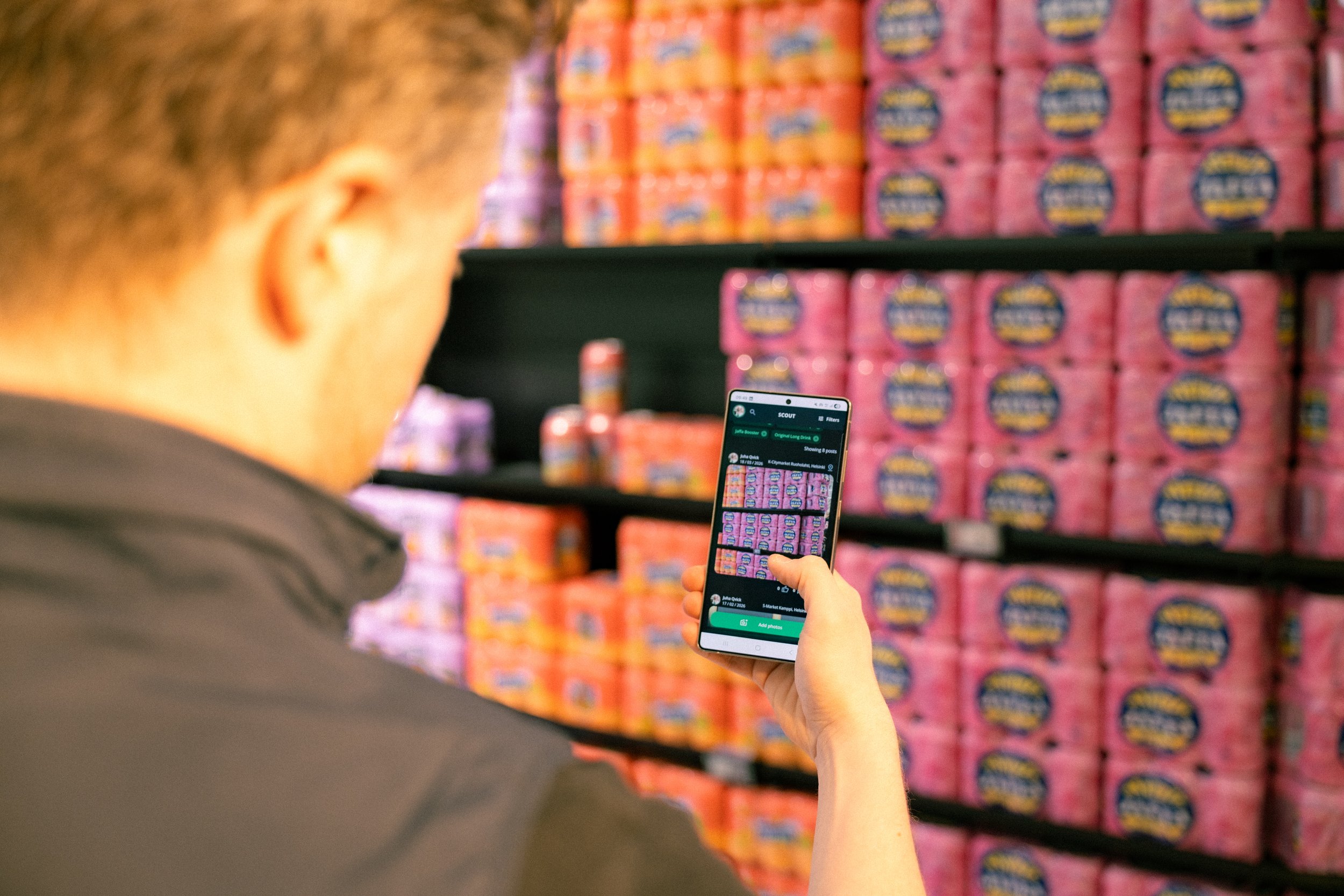
The full field visit workflow in Salesframe runs like this: a rep prepares a tailored presentation from the content library, presents it in store, sends a trackable follow-up link to the buyer, and documents the visit in Scout. The manager sees all of it.
Most photo tools only cover the last step. Scout covers it as part of the same platform reps are already using for the rest of their day.