Glossary
Salesframe terms, sales enablement terms, and FMCG terms, in one place, so your team stops guessing.
Sales Enablement Terminology
-
Content Engagement
What buyers do with shared content: what they open, skim, read, and share, plus what they ignore, so you learn what truly lands in real deals. -
Content Analytics
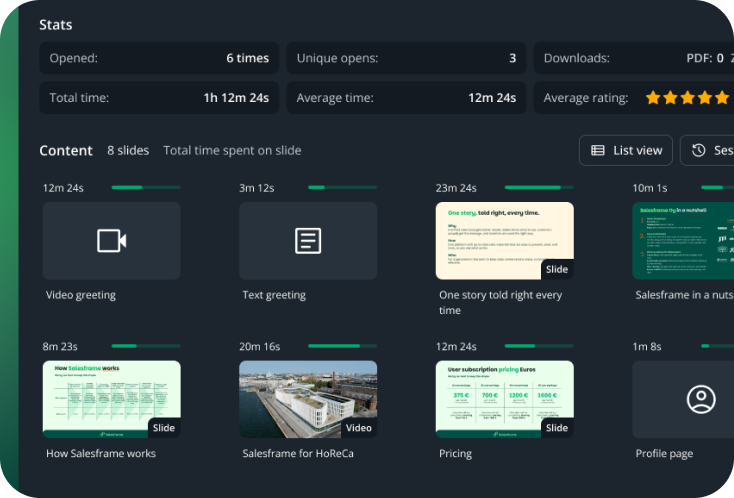
Insights on content usage and buyer viewing, which assets move deals, which stall them, and where teams need clearer, simpler, more relevant content. -
Objection Handling
Ready responses to common buyer pushbacks, backed by proof points and examples, so reps stay confident, consistent, and keep deals moving forward. -
Sales Content / Material
The materials reps use with customers: decks, one-pagers, PDFs, pricing sheets, videos, and case stories, kept current so everyone sells the same story. -
Sales Content Management
How a company stores, updates, governs, and distributes sales materials, so reps always find the right version fast, and nothing important goes stale. -
Sales Cycle (B2B)
The steps from first contact to close, including discovery, proposal, buying decision, and follow up, so teams can standardize progress and timing. -
Sales Deck / Presentation
A modular customer presentation reps can tailor per buyer, keeping it on brand while making it fast to present, share, and reuse in real meetings. -
Sales Enablement
The systems, content, and habits that help reps sell consistently, tell the same story, and move opportunities forward faster across the whole org. -
Sales Enablement Platform
Software that helps teams manage content, onboarding, messaging, and visibility, so selling is more consistent, and best practices scale company wide. -
Sales Methodology
A structured way to run deals: qualify, progress, and close with shared stages, criteria, and next steps, so the whole team sells with one approach. -
Sales Onboarding
The process that ramps new reps on product, messaging, tools, and practice, so they become productive faster and do not learn the wrong habits early. -
Sales Playbook
The how-we-sell guide: internal processes, who we sell to, what we lead with, key messages, objections, proof points, and recommended next steps for common scenarios. -
Sales Story
The core narrative reps tell: what you lead with, why it matters, and how you prove it, so customers hear the same company story, every time, worldwide. -
Single Source of Truth
One trusted place for current sales materials and guidance, cutting version-museum chaos across SharePoint & Teams, drives, and email, and keeping everyone aligned. -
Trackable Link
A shared link that shows basic engagement: who opened, what they viewed, and when, often called a digital sales room, so follow ups are timed right.
FMCG and Trade Terminology
-
Activation
A time bound push in market, often in store, using displays, sampling, pricing, or events to lift demand and win attention during a key time window. -
Assortment
Which SKUs you sell in a channel, account, or store, the right range, pack sizes, and price points, aligned to shopper needs and space. -
Channel Planning
Planning how to win by channel, grocery = convenience, horeca, ecommerce, choosing assortment, packs, pricing, promo rhythm, and execution needs too.
-
Display
Extra visibility beyond the normal shelf, endcaps, pallets, floorstands, checkout, used to drive promo volume and tracked through compliance checks. -
Facing / Facings
The number of front facing units a SKU has on shelf, a simple driver of visibility and sales, and a key part of planogram compliance. -
HoReCa
Hotels, restaurants, and cafés, an on-premise channel where selling is about listings, menus, staff buy-in, visibility, and activation. -
Listing / Delisting
The decision to add or remove a SKU at an account or retailer, often tied to negotiations, seasonality, and category performance. -
Merchandising
In-store work that keeps shelves correct: stocking, facing, rotation, shelf labels, displays, and planogram compliance, done by reps or merchandisers. -
Off Trade
Beverage channel where products are bought to take away, retail and convenience, focused on distribution, shelf, price, displays, and promos. -
On Trade
Beverage channel where products are consumed on premise, bars and restaurants, focused on listings, menu presence, taps, and pouring rights. -
Planogram
A shelf layout blueprint defining where products go and how many facings they get, used to standardize placement and improve category performance. -
Point of Sale (POS)
The point where the shopper pays, plus the checkout area context in store, often used when discussing checkout space, tills, and shopper flow. -
Point of Sale Materials (POSM)
Physical in-store materials that drive attention and purchase: signage, shelf talkers, wobblers, floorstands, endcaps, and promo displays. -
Retail
Sales through stores like grocery, convenience, and specialty, where priorities include availability, shelf, price, displays, and promo compliance. -
Route to Market (RTM)
How products reach stores and customers, direct, distributor, or wholesaler, and the model behind coverage, control, pricing, and visit frequency. -
Sales Cycle (FMCG)
Usually a planned 4–12 week sales period with clear priorities, tasks, and materials, built into the annual calendar around seasons, promos, and launches. -
Shelf Space
The amount of shelf allocated to your brand or SKU, which drives visibility and sales, and is influenced by planograms, listings, facings, and retailer negotiation. -
Stock Keeping Unit (SKU)
A Stock Keeping Unit, one sellable product variant (size, flavor, pack), used to manage assortment, listings, planograms, pricing, and orders. -
Trade Marketing
Turning brand plans into in market reality: promos, displays, POS materials, planograms, and activation, aligned with retailers and the field team. -
Travel Retail
Sales in airports, ferries, border shops, and duty free, with unique assortments, shoppers, and activation rules, often planned by season and flight flow.

Salesframe Terminology
-
Analytics
Admin view into adoption and performance: what sellers use, what customers engage with, and which content actually supports selling across the team. -
Content Editing
Users can edit slides, docs, and Excel files inside Salesframe when admins allow it, so local tweaks are possible without losing control of the master content. -
Embedded Content
A URL shown directly inside Salesframe, like a website, calculator, or tool, so users can open it during meetings without jumping between apps. -
Favorites
Your own saved shortlist of slides and files, picked manually, so you can build presentation decks faster without hunting through the full library every time. -
Layout
Visual configuration of your Salesframe instance, so the UI and shared views are branded to your company, not generic software, especially in meetings.
-
My Files
A storage area for material regular users who don’t have admin access have uploaded into Salesframe for themselves. Most commonly customer specific materials like agendas and offers. -
Notifications
Alerts that tell you when customers open or view shared materials, and when admins publish or update content, so you do not miss important moments. -
Offline Access
Save key materials for use without a connection via the Salesframe mobile app, so field teams can present and share even when reception is bad. -
Presentation Deck
A customer specific deck built from approved content, used in meetings or shared as a link, so reps stay on brand without rebuilding slides. -
Recipients
The people you share a memosite or link with, added by name and email, so sharing is controlled and tracking stays tied to real contacts. -
Shared Presentation
A single shareable page for a customer, with your presentation decks and materials in one place, plus tracking so follow ups are based on real viewing. -
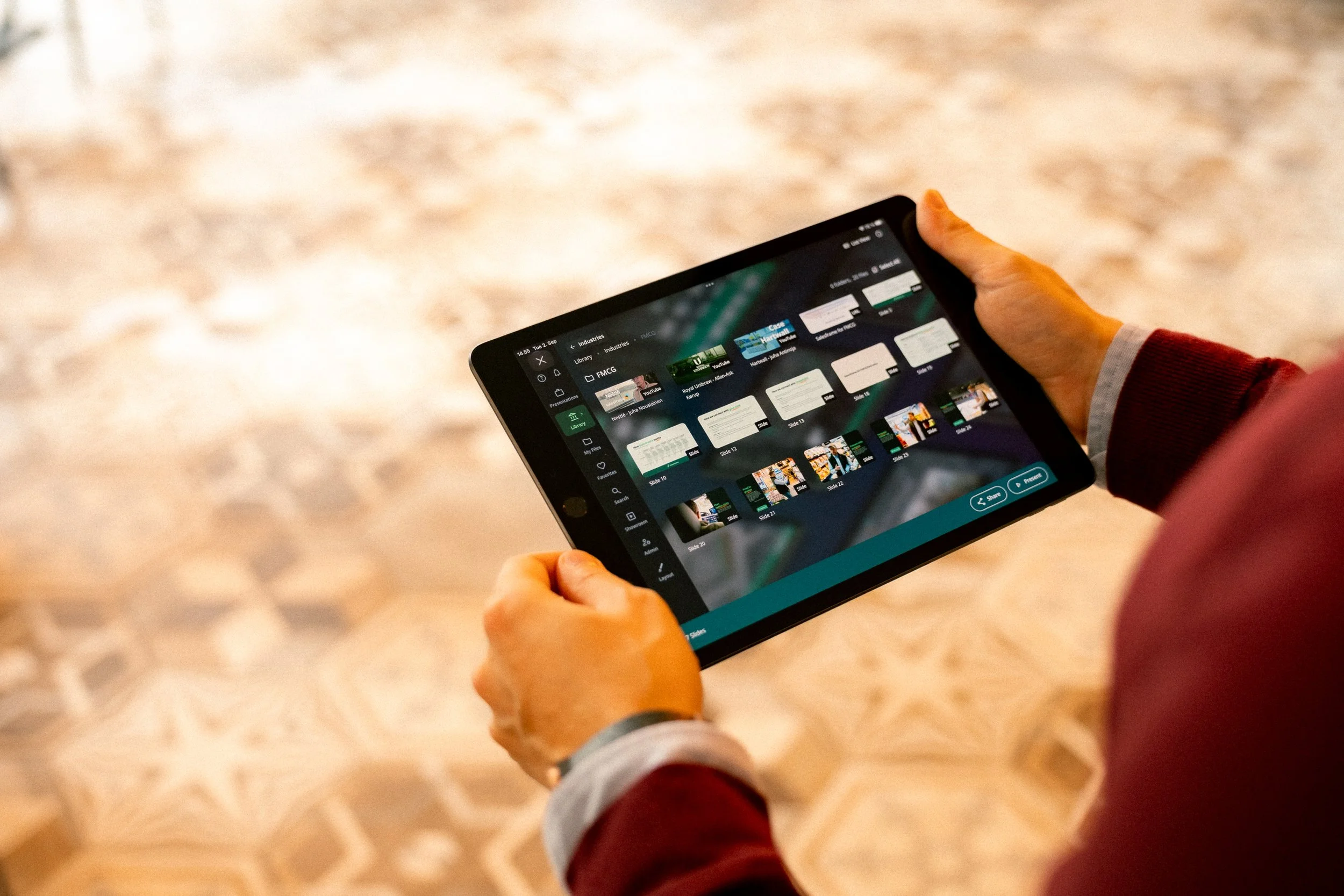
Showroom
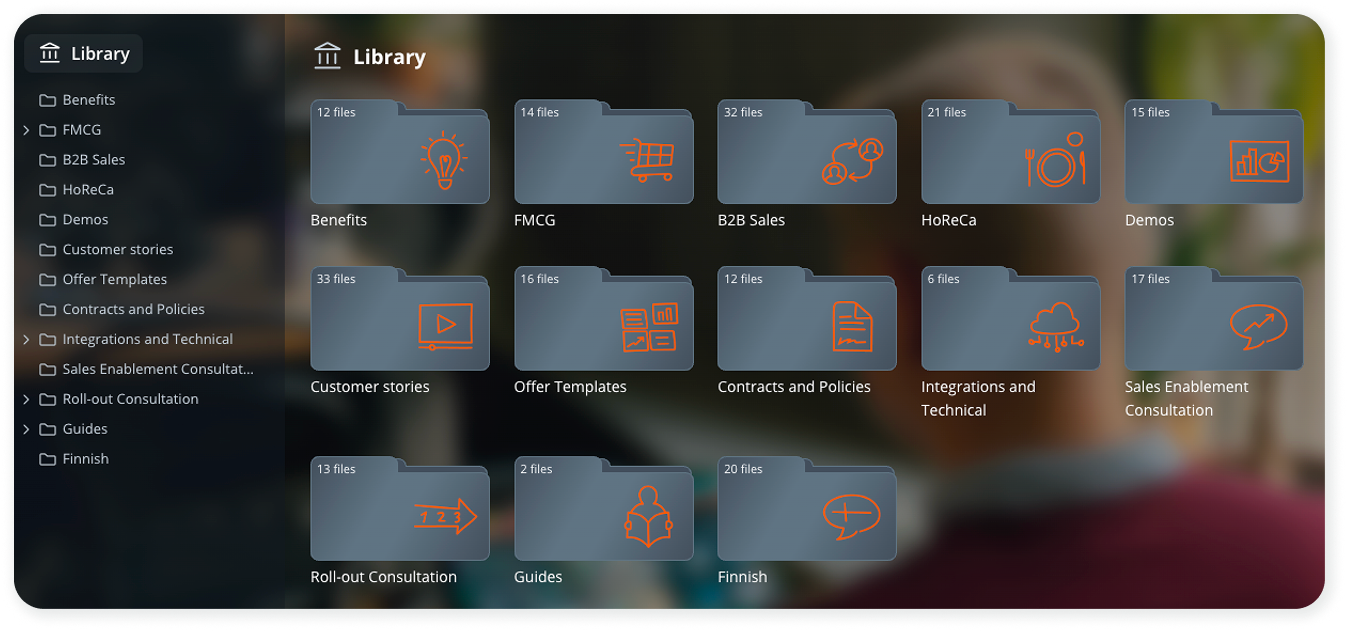
A visual, branded view of the library, the same folder structure but a more “customer facing” UI, built for live meetings where you want your app to look sharp. -
User Roles
Built in permission levels that control what people can do, admins manage settings, users use content, managers see analytics, and content admins manage materials. -
Video Greeting(s)
A short personal video added to a share, used to raise attention and context, so the customer understands why the material matters right now.