
New in Salesframe
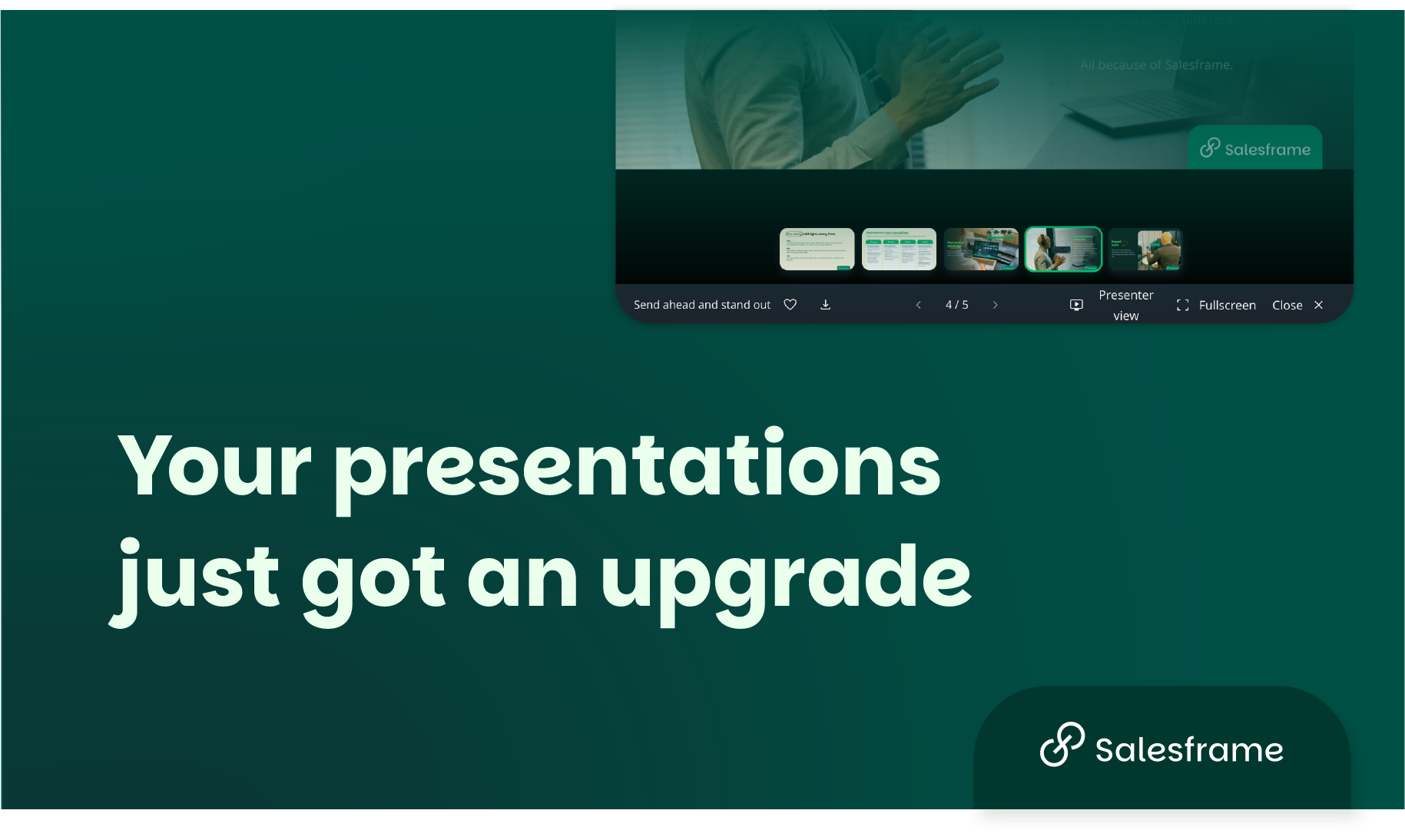
Field sales presentations move fast. Buyers ask unexpected questions, conversations take turns, and the rep who can adapt on the fly wins the meeting.
These two updates to Salesframe are built for exactly that.
Improved Slideshow View: Navigate Without Losing the Room
The updated slideshow view makes it faster and more natural to move through a presentation during a live customer meeting — whether you're on a tablet in a grocery HQ, a laptop in a brewery office, or a phone on the shop floor.
What's new in the slideshow view:
Visible slide thumbnails. All slides are now visible as thumbnails during the presentation. Jump directly to the slide you need without swiping through the whole deck. For field sales reps running back-to-back visits with the same deck, this alone saves time every single day.
Touchscreen swiping. Navigation now works naturally on touch-enabled devices. Swipe to move between slides the same way you'd swipe through any app. No tapping small buttons mid-pitch.
Full-screen embedded content. Videos, product visuals, planogram images and other rich media can now be opened in full screen with a single tap. Content-heavy presentations (especially common in FMCG and brewery sales) land the way they were designed to.
Updated control layout. Presentation controls sit in a cleaner layout at the bottom of the screen. Familiar enough to use without thinking, refined enough to get out of your way.
The goal of this update is simple: less time navigating, more time selling.
New Presenter View: Your Screen and Your Buyer's Screen Are Not the Same
The new presenter view is designed for setups where the presenter uses a second screen — meeting rooms, office presentations, and any situation where the rep's device and the customer's display are separate.
This is a meaningful upgrade for field sales managers, key account managers, and anyone running structured customer presentations from a laptop or tablet connected to a screen.
What presenter view does:
Separate views for presenter and audience. The presenter sees their controls, notes, and full slide overview. The audience sees only the presentation. No fumbling, no accidental slides, no behind-the-scenes visible to the buyer.
Live slide editing without interruption. Slides can be added, removed, or reordered mid-presentation. The audience view stays clean and unaffected. If a buyer takes the conversation in a different direction, the rep adapts — invisibly.
Two-level speaker notes. This is the feature that matters most for sales teams managing brand consistency across a large field force.
Admin-level notes: Marketing or sales leadership sets the core sales story. These notes are locked and shared across the team — every rep sees the same narrative guidance.
Private rep notes: Individual reps can add their own notes for specific accounts, customer contexts, or personal reminders. These are visible only to the presenter and are never included when a presentation is sent to a client.
For FMCG, tobacco, and brewery sales teams where brand compliance and message consistency matter, this means the sales story stays unified — while reps still have room to prepare for the nuances of each account.
Why This Matters for Field Sales Teams
The best field sales reps don't only present — they read the room and adapt. These updates give them the tools to do that without the presentation falling apart around them.
If your team runs high-volume field visits, manages a large rep base across markets, or works in regulated categories where message control is critical, these features are built for you.
Already a Salesframe customer? Both updates are live. Log in and explore the new presenter view today.
Not using Salesframe yet? See how leading FMCG sales teams use Salesframe to unify their sales story from HQ to the field.